Documents to video
Turn a Word document into an explainer video
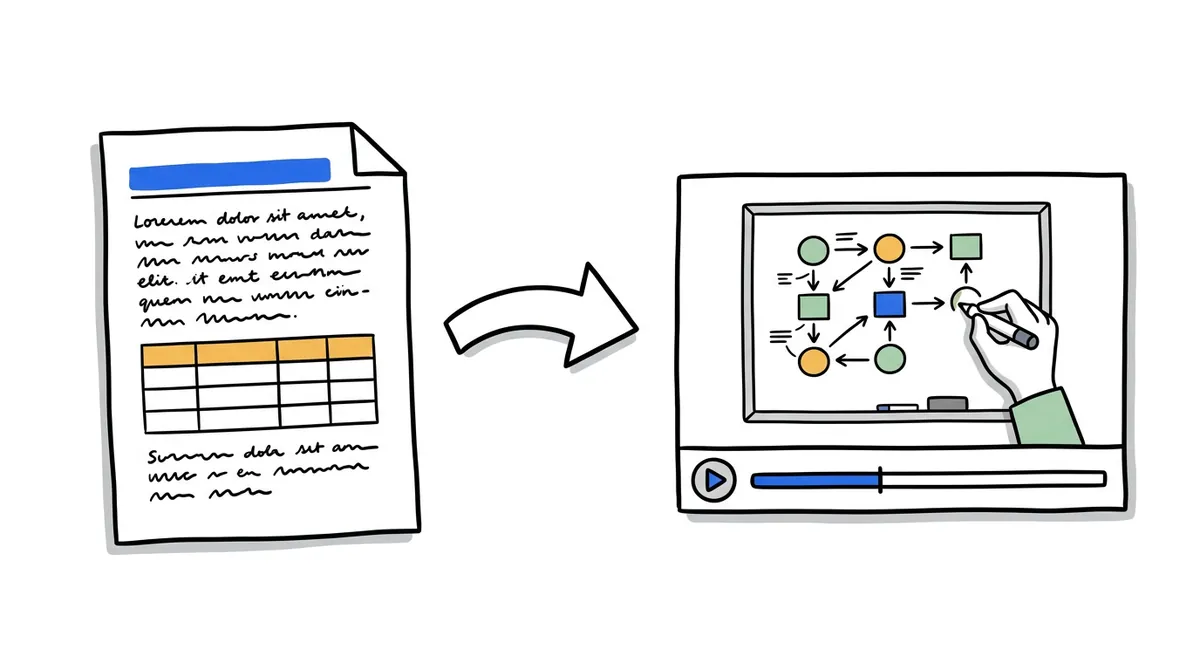
Guides, procedures and lesson notes usually live in Word. TimaLens reads the document in order — headings, paragraphs and tables — and turns it into a narrated whiteboard video, one idea per scene.
How it works
- 1
Import the .docx file
Up to 10 MB. Headings keep the document's structure; table rows keep their cells together.
- 2
Say what the video is for
Explain, summarise or go deeper, and add a line about the audience or the sections that matter.
- 3
Review, then create
The extracted content appears in the editor before any credit is spent. Pick a voice, a format and a drawing style.
What you get
- Reads headings, paragraphs and tables in document order
- Old .doc files get a clear prompt to save them as .docx
- Your own images can be attached and shown where they belong
- Landscape for a course, vertical for a phone
Importing a Word document is available on every plan, including the free one.
Working from a PDF instead
A PDF is read with its page layout, including multi-column pages and diagrams, so a document exported from Word works either way.
What it costs
- Choose a one-time credit pack or a subscription to create.
- Paid plans from $9 a month, and one credit is one finished minute of video.
- Reading a document or a link is free on every plan.
Who it is for
Trainers, HR and operations teams, teachers and consultants whose material is written in Word.
Questions
- Does it read the images inside my Word file?
- It reads the text, headings and tables. To show a picture from the document, attach it as an image and it is placed in the scene it belongs to.
- Can it read an old .doc file?
- Not directly. Open it in Word or Google Docs and save it as .docx, then import it.
- Does it read my document aloud word for word?
- No. It plans scenes from what the document teaches and writes narration for each. To keep your exact wording, paste the text in exact script mode.
- What does it cost?
- Importing is free. Creating a finished video needs a one-time credit pack or a subscription; one credit is one finished minute.
Other ways to make a video
- Recording to whiteboard videoUpload a voiceover, lecture or podcast and TimaLens draws a whiteboard video around it. Your voice is kept, an…
- PDF and slides to videoImport a PDF, PowerPoint or text document and TimaLens turns it into a narrated whiteboard explainer video, sc…
- Slides to videoImport a PowerPoint or Google Slides deck and get a narrated whiteboard video: one idea per scene, drawn as it…
- Exact script to videoPaste a finished script and TimaLens narrates it exactly as written, drawing each scene on the words it belong…
- One video, many languagesPublish one whiteboard video in French, English, Arabic, Wolof and more. TimaLens translates the narration and…
- YouTube video to whiteboard lessonPaste a public YouTube link and TimaLens watches it, keeps its ideas in teaching order and explains them again…
- Web page or article to videoPaste the link of a public article, documentation page or course page and TimaLens turns its ideas into a narr…
- SOP to training videoTurn a standard operating procedure into a step-by-step whiteboard training video. Import the SOP, keep its ex…
- Employee onboarding videoTurn your onboarding handbook into short whiteboard videos new hires actually watch: who's who, how things wor…
- Policy and compliance training videoTurn a policy or a code of conduct into a clear whiteboard training video that keeps the approved wording exac…
- Textbook chapter to lesson videoImport a chapter or your lesson notes and TimaLens turns them into a narrated whiteboard lesson your students …
- Research paper to videoImport a research paper and TimaLens explains its question, method and findings in a short narrated whiteboard…
- Product explainer videoTurn your product docs, a feature page or a script into a whiteboard explainer video for your website, onboard…