Research
Explain a research paper in a short whiteboard video
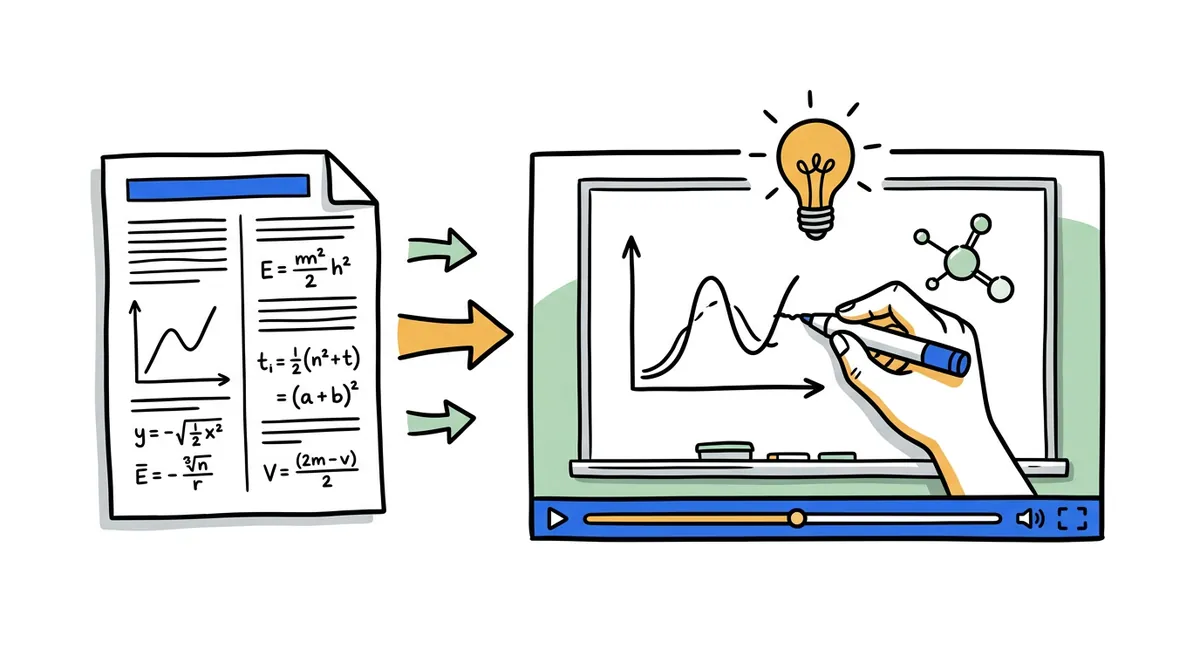
A paper is written for reviewers. A three-minute video that explains the question, the method and what was found — with the key figure drawn as it is described — reaches students, funders and the public.
How it works
- 1
Import the paper
The PDF is read page by page, including multi-column layouts, figures and tables.
- 2
Choose the audience
'For first-year students', 'for a conference audience', 'for the general public'.
- 3
Get the explainer
Question, method, findings and why they matter — each in its own scene.
What you get
- Reads multi-column PDF layouts in the right order
- Key figures and formulas redrawn as they are explained
- Adds no claims the paper does not make
- Make a short public version and a longer one for students
PDF import is available on every plan, including the free one.
From any PDF
The same reading works for reports, white papers and handbooks.
What it costs
- Choose a one-time credit pack or a subscription to create.
- Paid plans from $9 a month, and one credit is one finished minute of video.
- Reading a document or a link is free on every plan.
Who it is for
Researchers, PhD students, science communicators and university outreach teams.
Questions
- Does it invent results?
- It is instructed to keep the paper's facts, numbers and claims, and not to add outside knowledge. Review the brief before creating.
- Can it handle equations?
- Formulas from the paper can be shown on the board as they are explained. Check them in the brief.
- Can I make it for a non-specialist audience?
- Yes. Describe the audience and the video explains the ideas at that level.
- What does it cost?
- Importing is free. One credit is one finished minute of video.
Other ways to make a video
- Recording to whiteboard videoUpload a voiceover, lecture or podcast and TimaLens draws a whiteboard video around it. Your voice is kept, an…
- PDF and slides to videoImport a PDF, PowerPoint or text document and TimaLens turns it into a narrated whiteboard explainer video, sc…
- Slides to videoImport a PowerPoint or Google Slides deck and get a narrated whiteboard video: one idea per scene, drawn as it…
- Exact script to videoPaste a finished script and TimaLens narrates it exactly as written, drawing each scene on the words it belong…
- One video, many languagesPublish one whiteboard video in French, English, Arabic, Wolof and more. TimaLens translates the narration and…
- Word document to videoImport a Word document and TimaLens turns its headings, paragraphs and tables into a narrated whiteboard expla…
- YouTube video to whiteboard lessonPaste a public YouTube link and TimaLens watches it, keeps its ideas in teaching order and explains them again…
- Web page or article to videoPaste the link of a public article, documentation page or course page and TimaLens turns its ideas into a narr…
- SOP to training videoTurn a standard operating procedure into a step-by-step whiteboard training video. Import the SOP, keep its ex…
- Employee onboarding videoTurn your onboarding handbook into short whiteboard videos new hires actually watch: who's who, how things wor…
- Policy and compliance training videoTurn a policy or a code of conduct into a clear whiteboard training video that keeps the approved wording exac…
- Textbook chapter to lesson videoImport a chapter or your lesson notes and TimaLens turns them into a narrated whiteboard lesson your students …
- Product explainer videoTurn your product docs, a feature page or a script into a whiteboard explainer video for your website, onboard…