Media to video
Turn an article or a web page into an explainer video
A good article deserves more readers than it gets. Paste its link and TimaLens reads the page, keeps its ideas in order and explains them as a narrated whiteboard video.
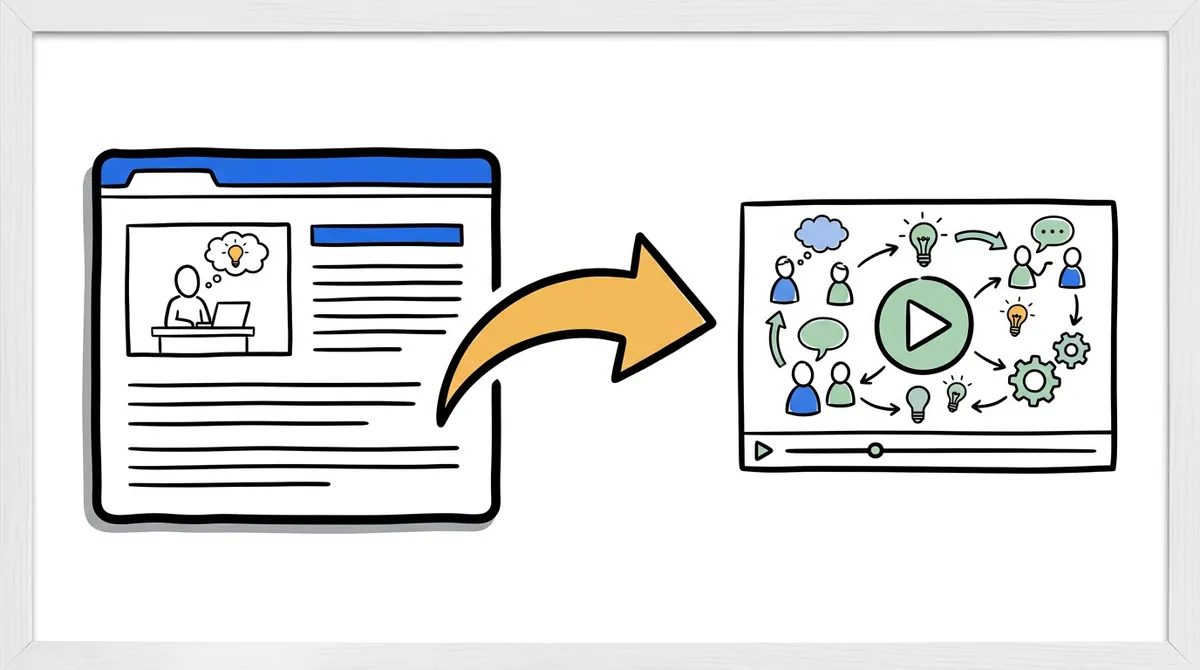
How it works
- 1
Paste the page's link
A blog post, documentation, a Wikipedia article or a course page — any page that opens without signing in.
- 2
Check the brief
The page's ideas appear in order, in your editor, before any credit is spent.
- 3
Create the video
Pick a voice, a language and a format, and every idea becomes a drawn scene.
What you get
- Leaves out menus, adverts and page clutter
- Refuses to guess when a page cannot be opened
- Turn one post into a video for YouTube, a course or social media
- Narrate in any of more than 70 languages
Reading a web page is available on every plan. Use content you have the right to use: the page is explained again, not copied.
What it costs
- Choose a one-time credit pack or a subscription to create.
- Paid plans from $9 a month, and one credit is one finished minute of video.
- Reading a document or a link is free on every plan.
Who it is for
Marketers repurposing blog posts, teachers using a reference article, and product teams turning documentation into tutorials.
Questions
- Which pages work?
- Public pages. A page behind a login or a paywall, or one that blocks automated reading, gets a clear message so you can paste its text instead.
- Can I add my own instructions?
- Yes. Write them around the link, such as 'for beginners, three minutes'; they guide the video and are kept with the source.
- Is the article read aloud?
- No. Its ideas are explained again in new narration. To keep exact wording, paste your own text in exact script mode.
- What does it cost?
- Reading the page is free. Creating a finished video needs a one-time credit pack or a subscription; one credit is one finished minute.
Other ways to make a video
- Recording to whiteboard videoUpload a voiceover, lecture or podcast and TimaLens draws a whiteboard video around it. Your voice is kept, an…
- PDF and slides to videoImport a PDF, PowerPoint or text document and TimaLens turns it into a narrated whiteboard explainer video, sc…
- Slides to videoImport a PowerPoint or Google Slides deck and get a narrated whiteboard video: one idea per scene, drawn as it…
- Exact script to videoPaste a finished script and TimaLens narrates it exactly as written, drawing each scene on the words it belong…
- One video, many languagesPublish one whiteboard video in French, English, Arabic, Wolof and more. TimaLens translates the narration and…
- Word document to videoImport a Word document and TimaLens turns its headings, paragraphs and tables into a narrated whiteboard expla…
- YouTube video to whiteboard lessonPaste a public YouTube link and TimaLens watches it, keeps its ideas in teaching order and explains them again…
- SOP to training videoTurn a standard operating procedure into a step-by-step whiteboard training video. Import the SOP, keep its ex…
- Employee onboarding videoTurn your onboarding handbook into short whiteboard videos new hires actually watch: who's who, how things wor…
- Policy and compliance training videoTurn a policy or a code of conduct into a clear whiteboard training video that keeps the approved wording exac…
- Textbook chapter to lesson videoImport a chapter or your lesson notes and TimaLens turns them into a narrated whiteboard lesson your students …
- Research paper to videoImport a research paper and TimaLens explains its question, method and findings in a short narrated whiteboard…
- Product explainer videoTurn your product docs, a feature page or a script into a whiteboard explainer video for your website, onboard…